

Postscript: whatsapp chat reader
Live · BetaYour group chat, decoded. Open a WhatsApp export and turn years of messages into games, personalities and a book worth keeping.
PrivateYour chat is never uploaded
No sign-upTry a sample group first
Your group chat, decoded. Open a WhatsApp export and turn years of messages into games, personalities and a book worth keeping.
Your WhatsApp chats, decoded, by Mundhra Labs.
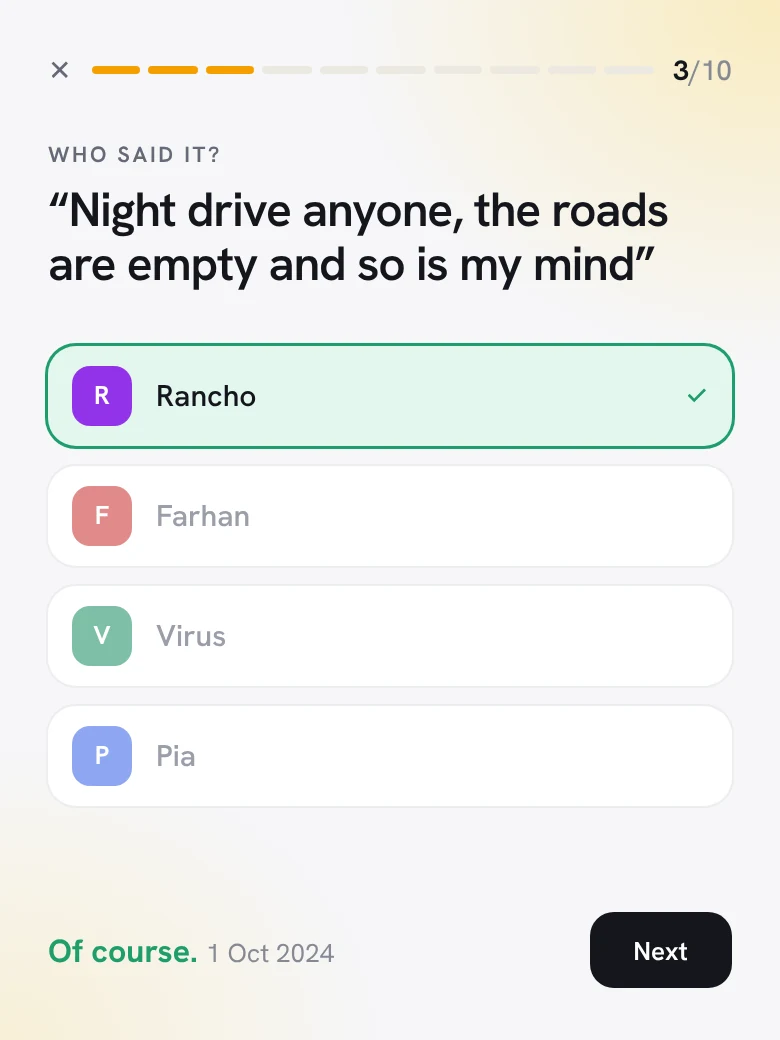
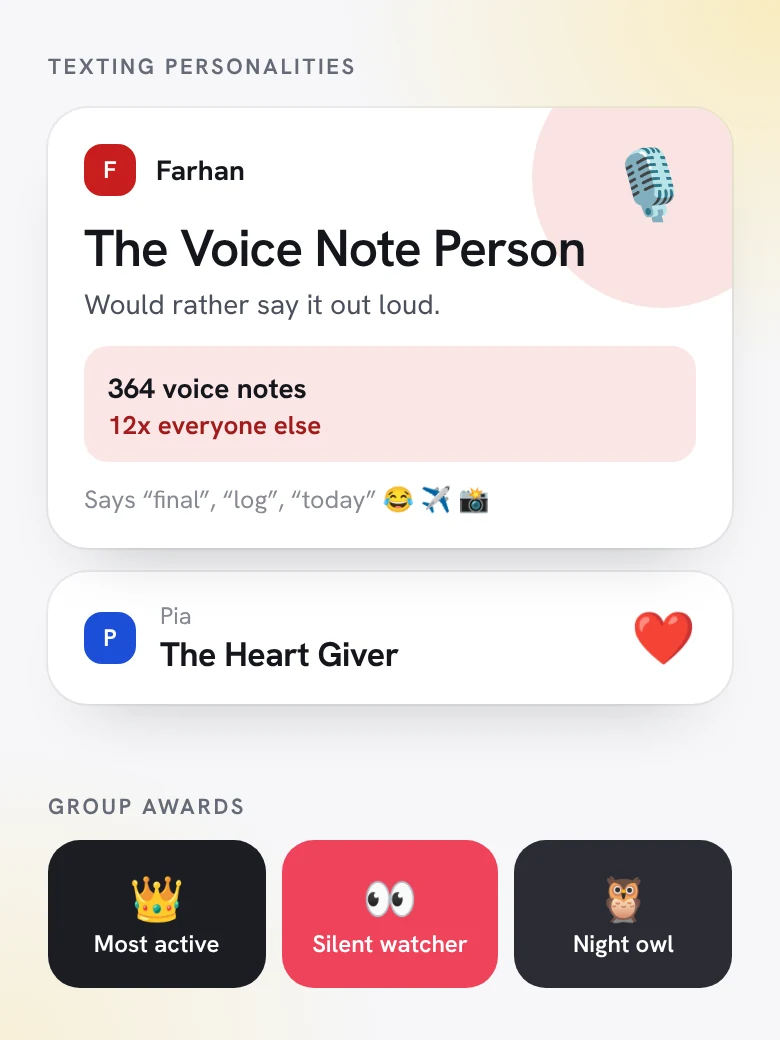
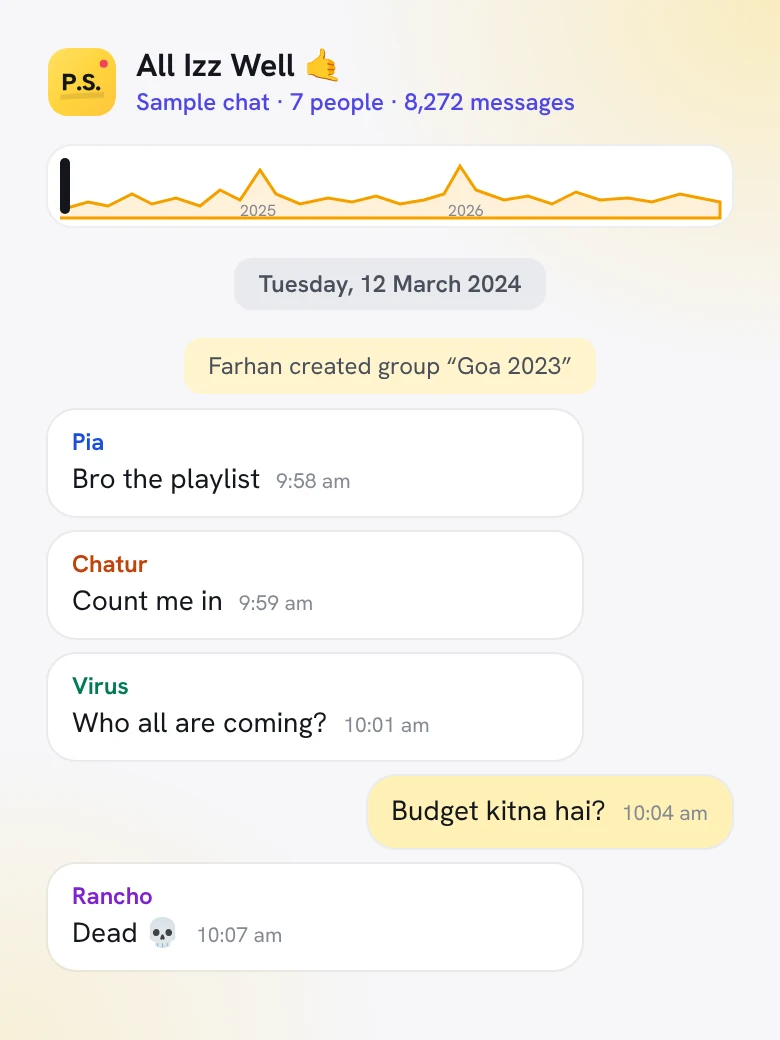
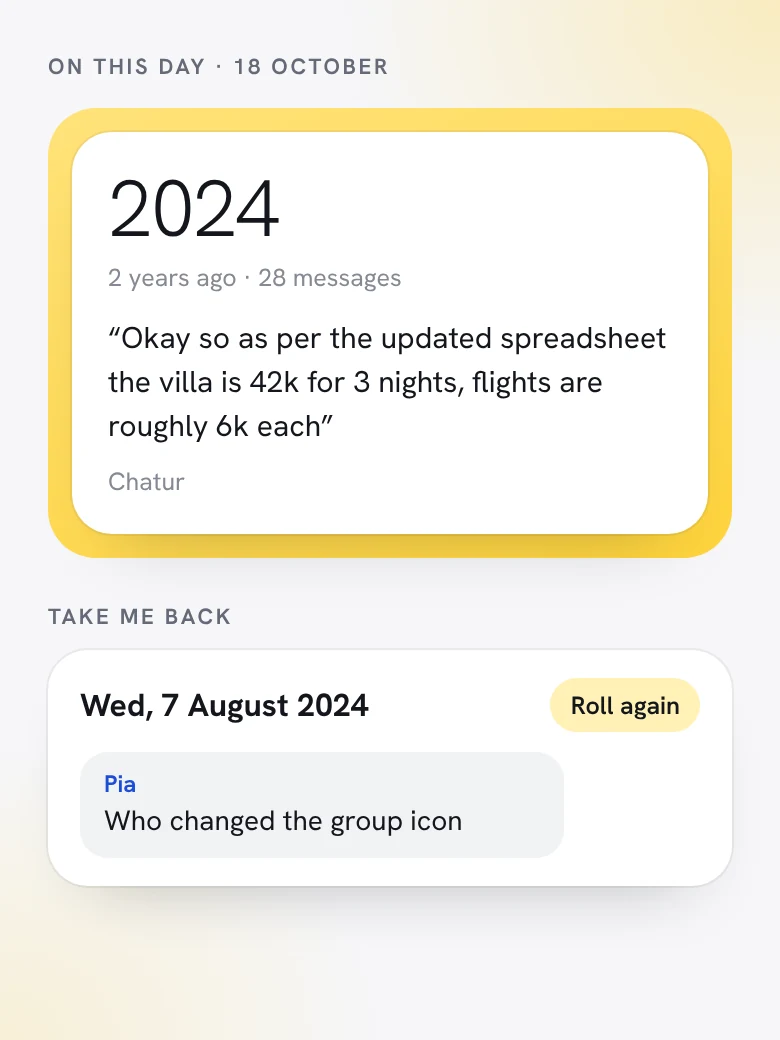
Postscript is a web app from Mundhra Labs that turns an exported WhatsApp chat into something worth going back to. Read years of messages like a book, play games built from real lines, see who earned which texting personality, find what the group said on this day in earlier years, and print the whole story as a book. It works for private and group chats, from Android or iPhone, and your chat is opened on your device. It is never uploaded.
In WhatsApp, open the chat and choose Export chat. With or without media, both work.
Drop the file into Postscript on your phone or laptop. It is read right there, never uploaded.
Play the games, read it like a book, see the personalities, or turn it into a book to gift.
The questions people ask first.
Postscript is a web app from Mundhra Labs. It turns a WhatsApp chat export into games, texting personalities, on-this-day memories and a print-ready book, so old chats are easy to read and fun to relive.
No. Your chat is opened on your device and never uploaded.
On Android, open the chat, tap the three dots, then More and Export chat. On iPhone, open the chat, tap the contact or group name at the top, scroll down and tap Export Chat. Choose with or without media, then open the file in Postscript.
Yes. Private and group chats both work, exported from Android or iPhone, with or without media.
No. You can try a sample group first, without signing up, and open your own chat when you are ready.
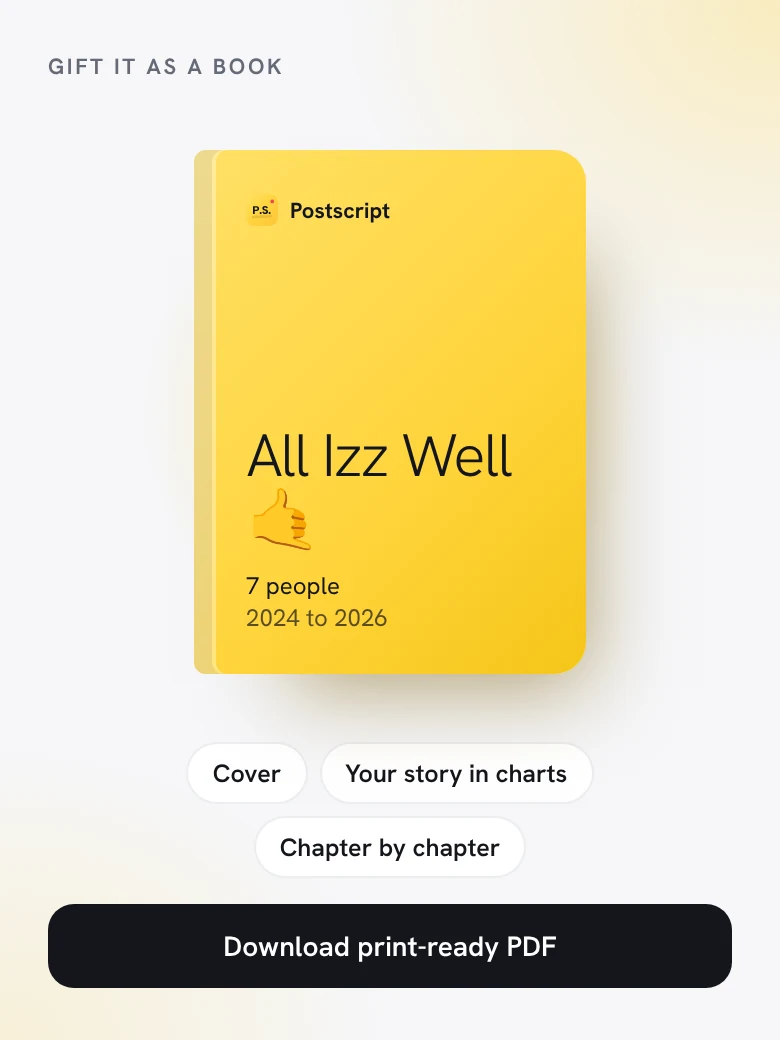
Yes. Postscript makes a print-ready PDF with a cover, your story in charts, then the chat chapter by chapter. Print it at any shop or send it as a PDF.
No. Postscript runs in the browser on your phone or laptop.
 Also from the lab: Substrack