AppsGuidesSmall FixesOn RecordAboutFollow the lab
Episode 01Windows clipboard history

Copied something, then lost it?

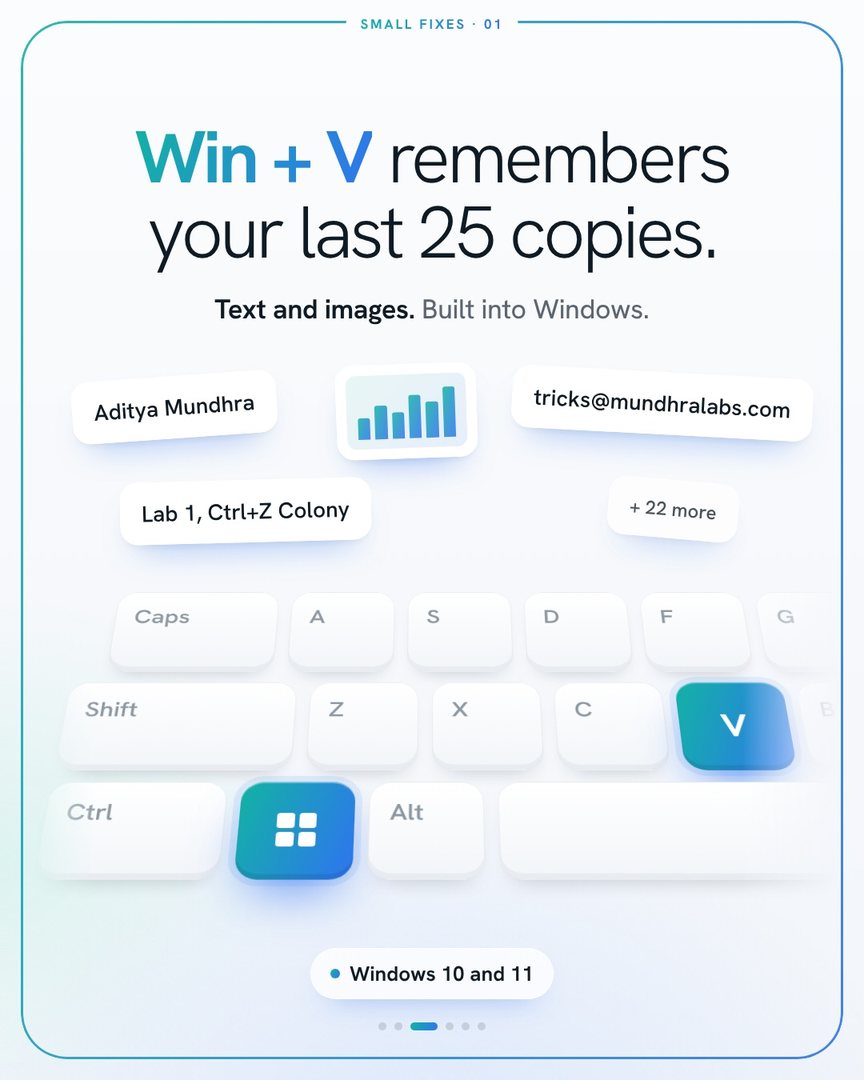
Windows keeps a history of what you copy. One shortcut brings it all back.

Win+V
  1. Press Win + V.
  2. The first time, click Turn on.
  3. From then on, everything you copy is saved. Click any item to paste it.
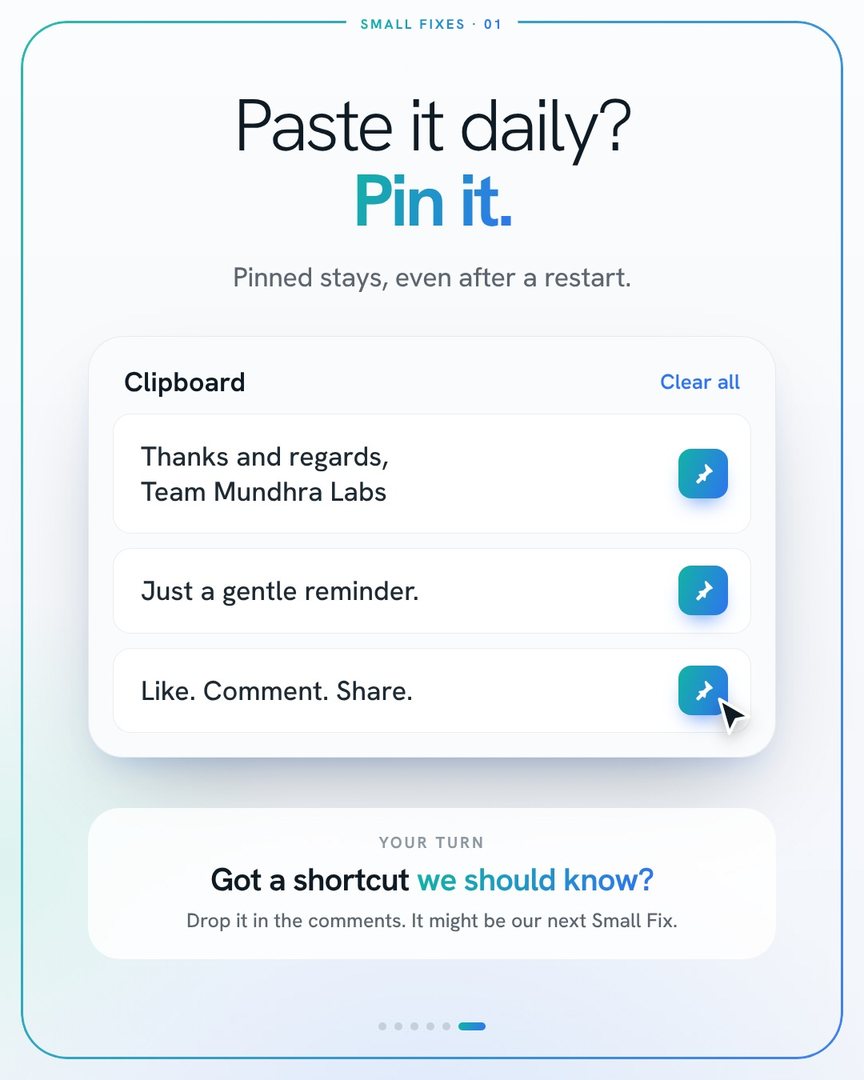
  4. Pin the ones you use every day so they stay.
Works on Windows 10 and 11Nothing to install
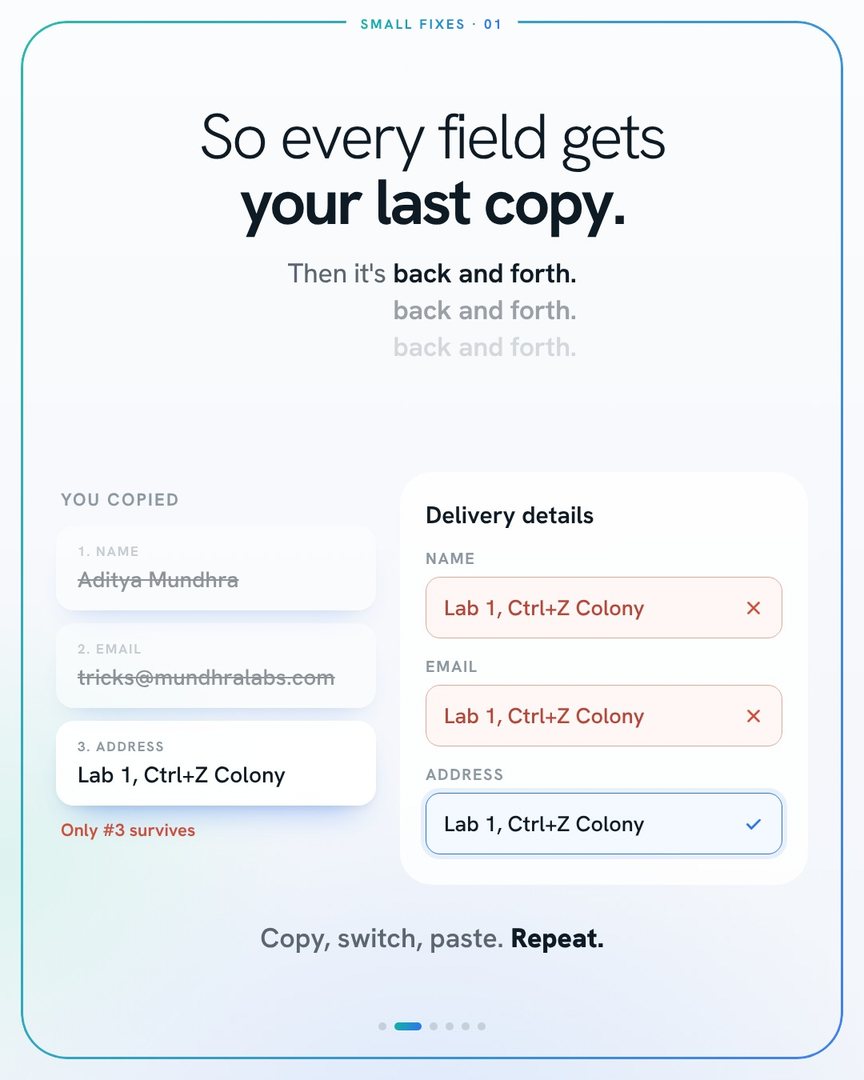
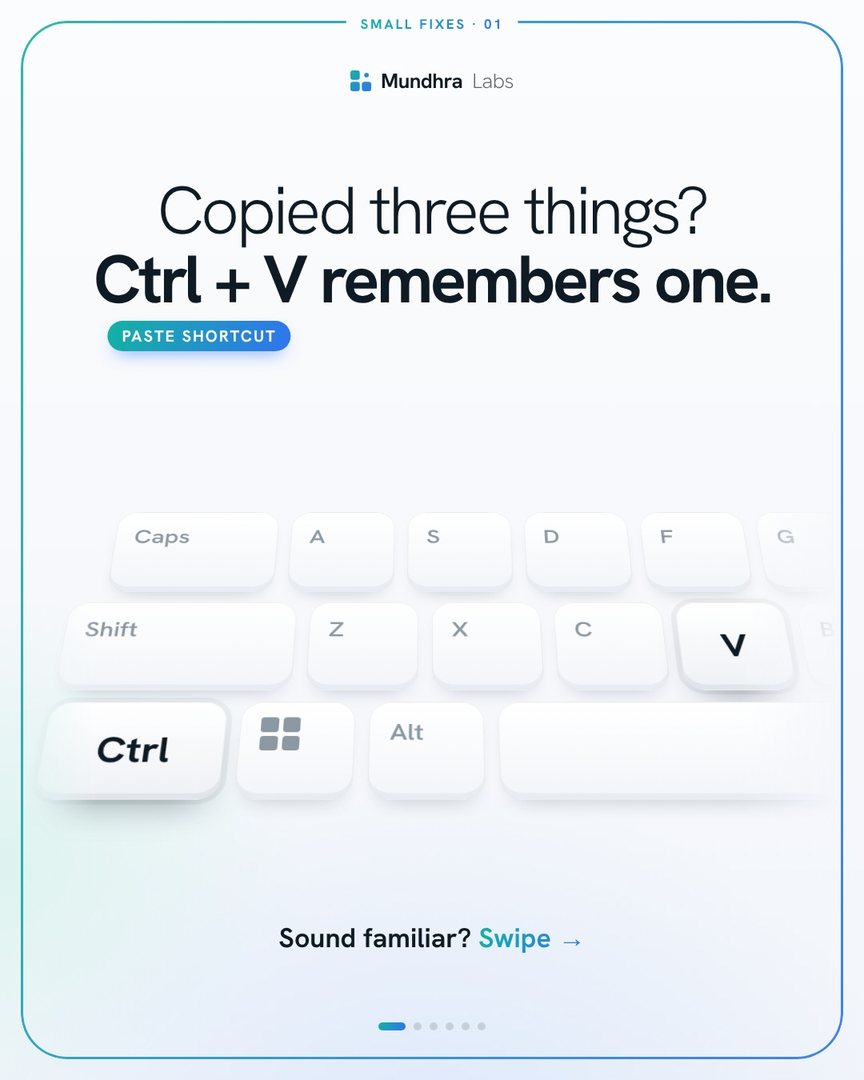
Slide 1: Copied three things? Ctrl + V remembers one.Slide 2: so every form field gets your last copy, then it is back and forth.Slide 3: Win + V remembers your last 25 copies, text and images, built into Windows 10 and 11.Slide 4: the first time, the clipboard says it cannot show history. Click Turn on.Slide 5: copy all three, then press Win + V and click the one you need.Slide 6: paste something daily? Pin it. Pinned items stay, even after a restart.
1 / 6
Episode 02 is on its way

Know a trick everyone
should know?

Or stuck on something you do every single day? Send it in. If it saves time for you, it'll save time for thousands.